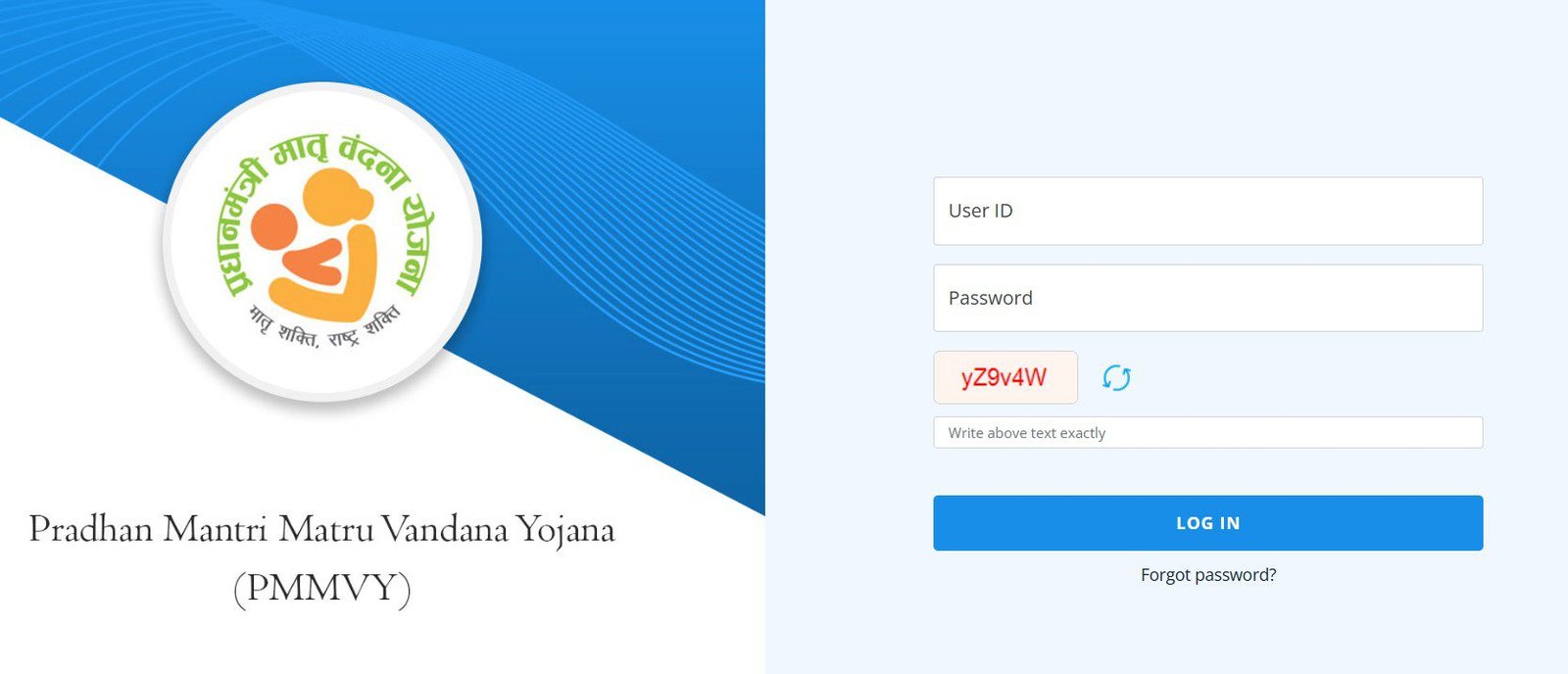
If you have forgotten your PMMVY login ID and password, the good news is that the current 2026 portal at pmmvy.wcd.gov.in no longer uses a traditional username and password for citizen login. The system switched entirely to mobile OTP-based authentication in 2022 when the portal was upgraded under PMMVY 2.0. Consequently, there is no password to forget for citizen users — your Aadhaar-linked mobile number is all you need. However, AWWs and supervisors who use admin credentials still have username-password login, and recovering those follows a different process. This guide covers both scenarios clearly.
PMMVY Login ID and Password — Current System Explained
The PMMVY portal uses two different login systems depending on who is accessing it. Understanding which system applies to you resolves the confusion immediately.
| User Type | Login Method | What You Need |
|---|---|---|
| Beneficiary (citizen) | Mobile OTP — no password | Aadhaar-linked mobile number + OTP |
| AWW (Anganwadi Worker) | Username + password | Official credentials issued by district WCD |
| Supervisor / CDPO | Username + password | Official credentials from state WCD system |
Therefore, if you are a beneficiary and you are searching for a forgotten PMMVY login ID and password, you do not have one — and you do not need one. Simply log in with your Aadhaar-linked mobile number and the OTP that is sent to it. Furthermore, this OTP method is more secure and more accessible than the old username-password system it replaced.
How to Login as a Beneficiary Without Password
Follow these steps to access your PMMVY account in 2026 without any password.
- Go to pmmvy.wcd.gov.in
- Click Citizen Login
- Enter the mobile number registered with your Aadhaar card
- Click Send OTP — a 6-digit code arrives within 60 seconds
- Enter the OTP and click Login
- Your beneficiary dashboard opens showing your application, status, and payments
The entire login process takes under 2 minutes. Additionally, there is no limit on how many times you can log in — each session simply requires a new OTP for security.
What If You Forgot the Mobile Number Used for PMMVY Registration?
This is the real challenge for most women searching for PMMVY login ID and password help. If the mobile number you used during registration is no longer active, or if you cannot remember which number you used, OTP login will fail. Moreover, entering the wrong number repeatedly triggers a rate limit block that prevents login attempts for several hours.
To recover access when the registered mobile number is unavailable, follow these steps in order.
- Check all SIM cards you own — try the OTP on each number linked to your Aadhaar. The UIDAI-linked number and the PMMVY-registered number must match.
- Check your original registration acknowledgement — the SMS sent to your mobile after registration shows the registered number. Check your SMS inbox or your AWW’s records.
- Visit your Anganwadi centre — the AWW can look up your application by Aadhaar number and confirm which mobile number was registered. They can also initiate a number update request.
- Request mobile number update — contact the district WCD office with your Aadhaar and a written request to update the registered mobile number. This process takes 3–7 working days to process.
PMMVY Password Recovery for AWWs and Supervisors
If you are an Anganwadi Worker or supervisor who has forgotten your PMMVY login ID and password for the official backend portal, you cannot reset it yourself through the citizen-facing website. Furthermore, the forgot-password option on the admin login page requires an OTP to your registered official mobile number.
AWWs should contact their block-level supervisor or CDPO office to initiate a password reset through the state NIC system. Additionally, CDPO officers can reset AWW credentials directly from their admin panel. If the registered official mobile number is also unavailable, a formal application to the district WCD IT coordinator is required with identity proof and designation certificate.
PMMVY Login Problem — Common Errors After 2022 Migration
Many women still search for PMMVY login ID and password because they registered on the old PMMVY-CAS portal before 2022 and saved their old credentials. The old portal used usernames formatted as mobile numbers with a default password. However, that system no longer works — all citizen login now uses OTP only. Therefore, discard any saved old credentials and use your mobile OTP going forward.
Additionally, some third-party websites incorrectly claim to offer PMMVY login recovery services or ask for Aadhaar numbers to retrieve passwords. These are fraudulent. The official PMMVY portal at pmmvy.wcd.gov.in is the only legitimate access point — never share your Aadhaar number or OTP with any third party claiming to help with PMMVY login recovery.
Related PMMVY Guides
For a complete PMMVY login walkthrough, read the PMMVY login guide. If your application is not showing after login, check the PMMVY beneficiary list guide to confirm your registration status. For registration errors, read the PMMVY registration problem guide. The official UIDAI portal for Aadhaar-linked mobile number verification is at uidai.gov.in.
Frequently Asked Questions — PMMVY Login ID and Password Forgot
I forgot my PMMVY login ID and password — what do I do?
The current PMMVY portal does not use login ID and password for citizens. Log in at pmmvy.wcd.gov.in using your Aadhaar-linked mobile number and the OTP sent to it. No password is needed.
What is the PMMVY login user ID and password for 2026?
There is no user ID or password for citizen login in 2026. The portal uses mobile OTP authentication exclusively. Your Aadhaar-linked mobile number IS your login identity.
I forgot the mobile number I used to register for PMMVY — how do I recover it?
Visit your Anganwadi centre. The AWW can look up your application by Aadhaar number and confirm the registered mobile. They can also initiate a mobile number update request with your district WCD office.
How do I change my mobile number on the PMMVY portal?
Log in to pmmvy.wcd.gov.in and use the Update Profile section if available. Alternatively, submit a written request to the district WCD office with your Aadhaar and new mobile number for manual update.
How do AWWs reset their PMMVY login password?
AWWs must contact their block-level CDPO office for a password reset. The CDPO can reset AWW credentials through the admin panel. If the official mobile number is unavailable, a formal application to the district WCD IT coordinator is required.
Related PMMVY Guides
- PMMVY Form PDF Download 2026 — All Forms Listed
- PMMVY App Download 2026 — Is There an Official App?
- PMMVY Check Status by Aadhaar Card Number 2026
Prepare before you apply with our free eligibility checker and status check guide.
PMMVY.net is an independent information website and is not affiliated with the Government of India. Confirm the latest rules on the official PMMVY portal.